Braille System Font
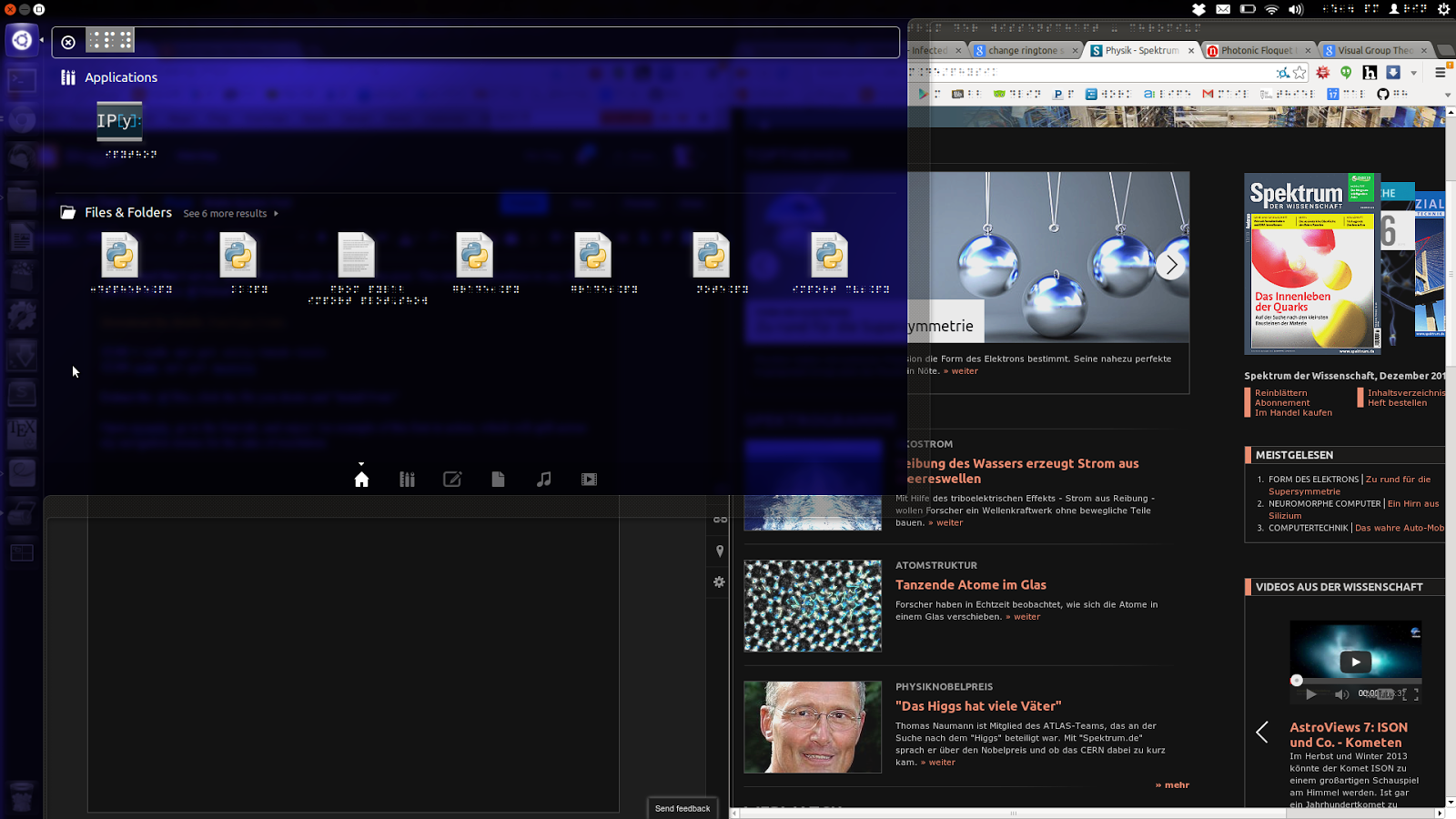
I mentioned that I set my system font to Braille in a previous post. This tutorial generalizes to any font you can find in a .ttf format!
Download the Braille TrueType Fonts.
sudo apt-get unity-tweak-tools
sudo apt-get myunity
Extract the .ttf files, click the file you desire and “Install Font.”
Open myunity, go to the font tab, and adjust as you please! An example of this font in action, which will spill across my navigation menus for the sake of resolution:
More in Science
Comments from the old blog (1)
Recovered from the Wayback Machine of the old site after my back-up servers got black-hatted.
guake terminal ftw. But awesome apps aside – this is a very interesting idea to say the least.